
Tag: system
519 pluginsTrading 212
by Simas Razinskas
Trading 212 portfolio in the Omarchy bar: invested amount and P/L at a glance, with a detail panel of positions.
TradingView Watchlist
by gpatkinson
Stock/crypto/forex watchlist pill with TradingView deep-link from the bar.
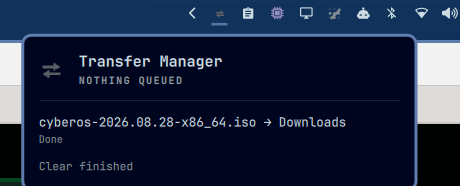
Transfer Manager
by DevInBlack001
Monitor and control queued file copy/move transfers, independent of any file manager.
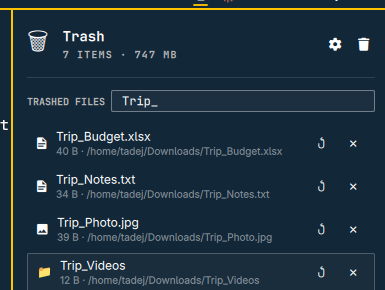
Trash
by paranojik
Trash can for the Omarchy bar: browse recently deleted files, restore them, or empty the trash.
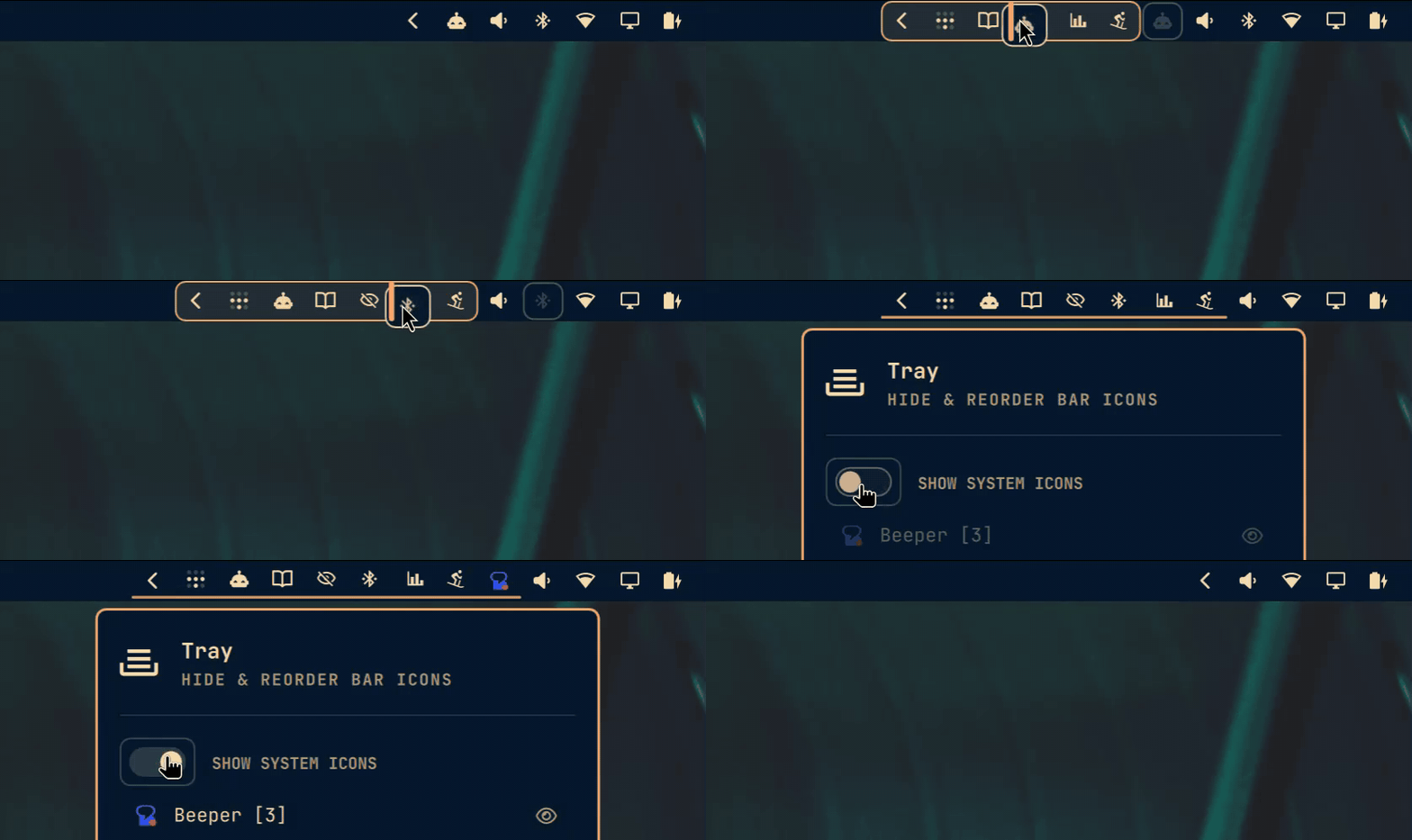
Tray
by Ty Richards
A better system tray: everything the stock tray does, plus drag any bar widget into its slide-out drawer.
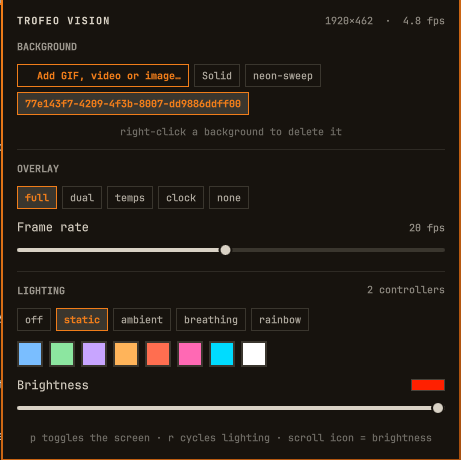
Trofeo Vision
by Vladimir Cotric
Thermalright Trofeo Vision 9.16 LCD in the Omarchy bar: animated GIF backgrounds, live CPU/GPU/memory telemetry, and whole-machine RGB through OpenRGB.
Tutor
by Woogy7
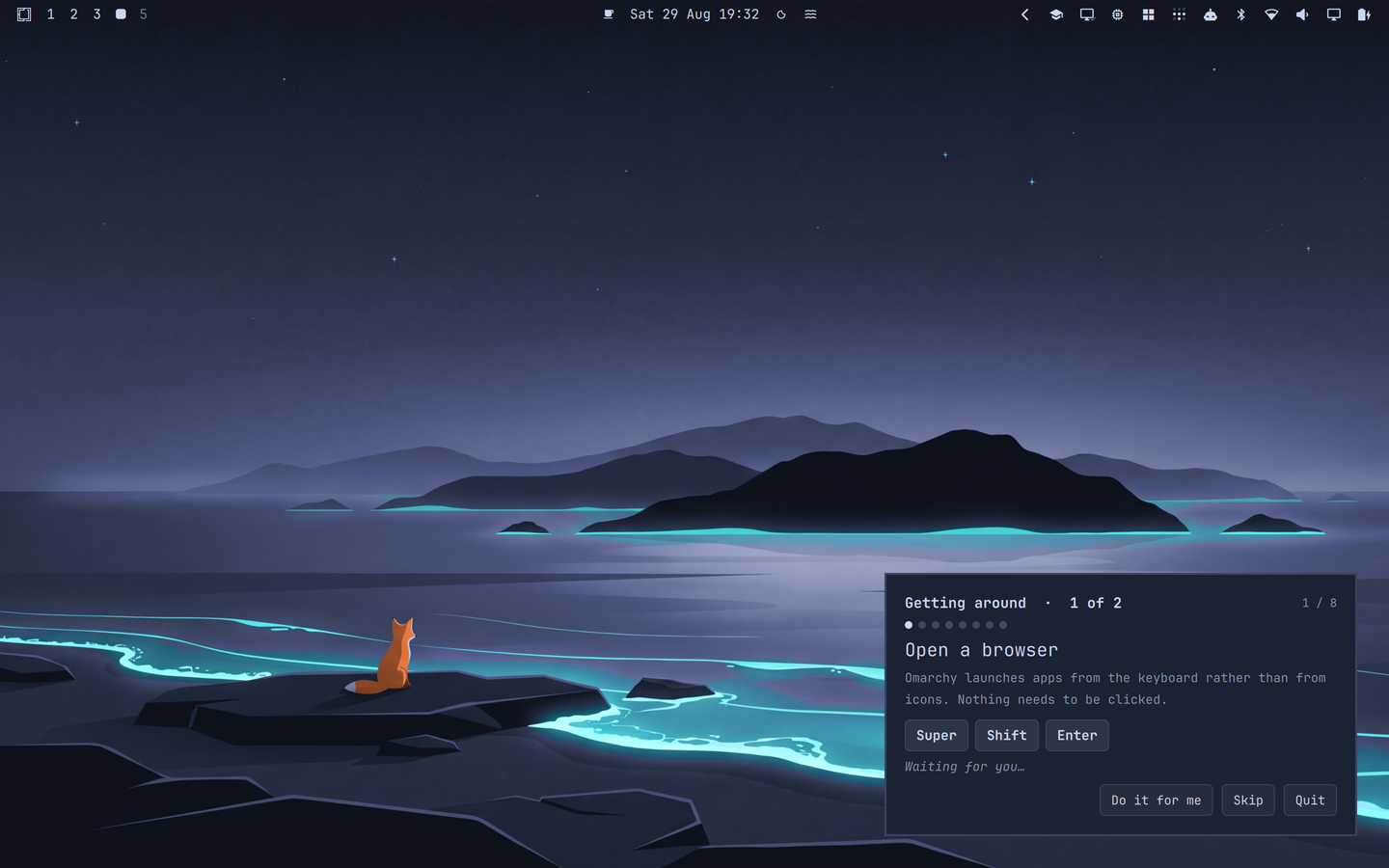
A hands-on guided introduction to Omarchy: a coach card walks a newcomer through windows, workspaces and tiling, and each step completes only when they really do it
Twingate
by crbelaus
Twingate VPN status, connection toggle, resources, and account login/logout
US Debt Clock
by mudiam
Live-ticking US national debt counter, projected from official Treasury data

Ultra Docker
by Andre Avila
Container status as a mosaic in the bar, one cell per container, grouped by compose stack — with lazydocker, disk cleanup and a handoff to your coding agent.
Unraid
by Hung Vo
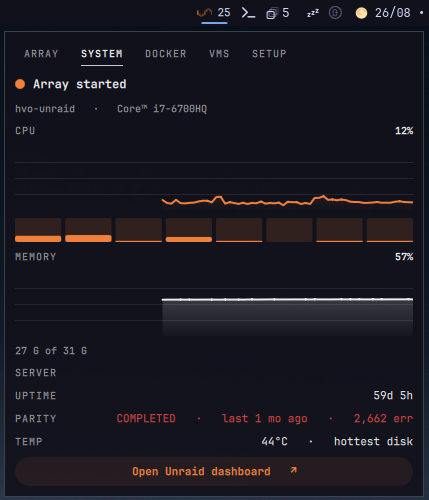
Monitor and manage an Unraid server from the bar: array state, disk health, Docker containers, VMs, and one-click WebUI launch.
Update App Under Cursor
by Razaroth
Resolves the window under the cursor to the package that owns it and runs its update in a terminal (SUPER + right-click).