
All plugins
1954 plugins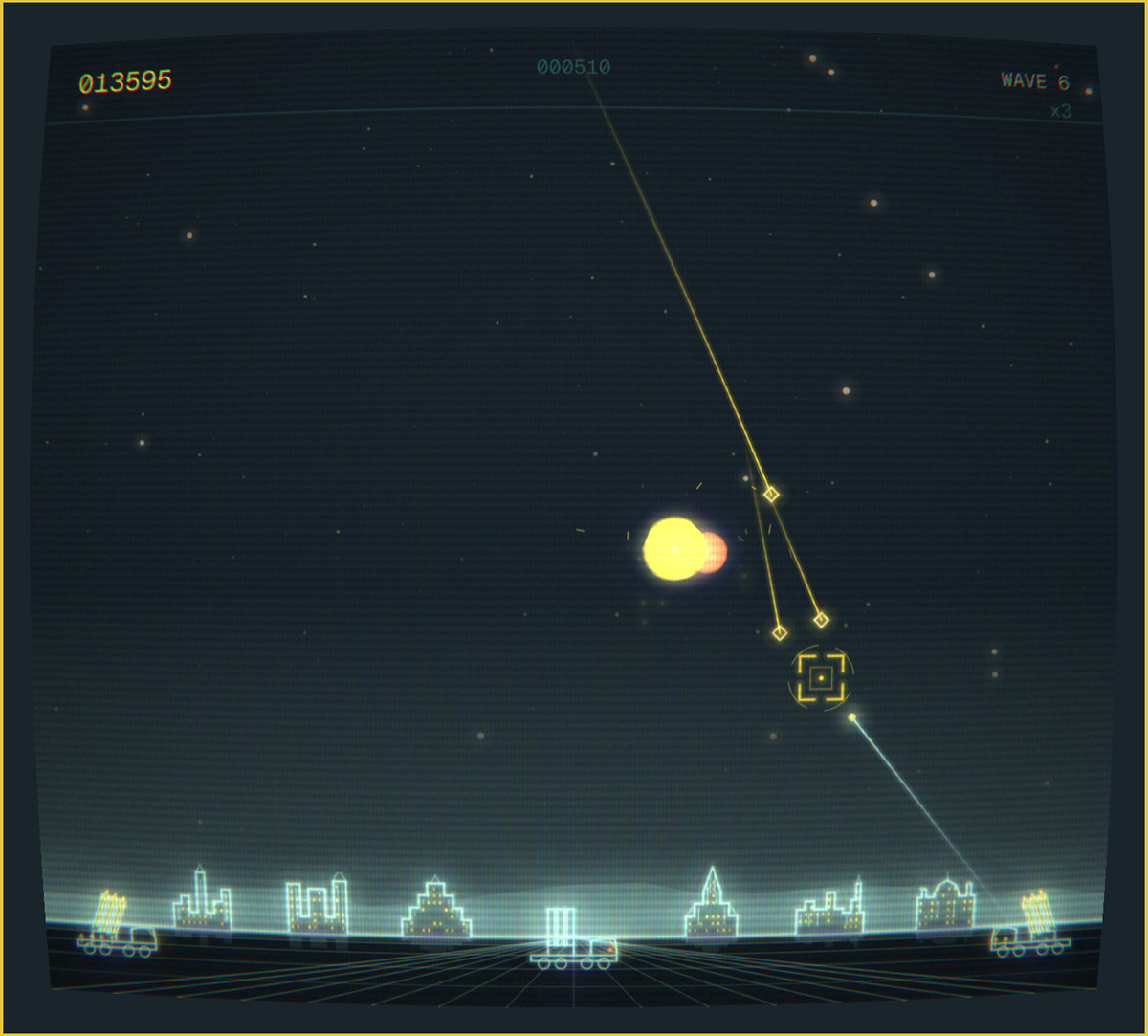
Quattro Command
by Gavin Nugent
A vector missile-defence cabinet for omarchy-shell. Six cities, three launchers, warheads that split and bombs that dodge — drawn as glowing vectors on a curved phosphor screen in your live theme colours. Summon with: omarchy-shell shell toggle nosignal.quattro-command
Quattro Corners
by André Conde
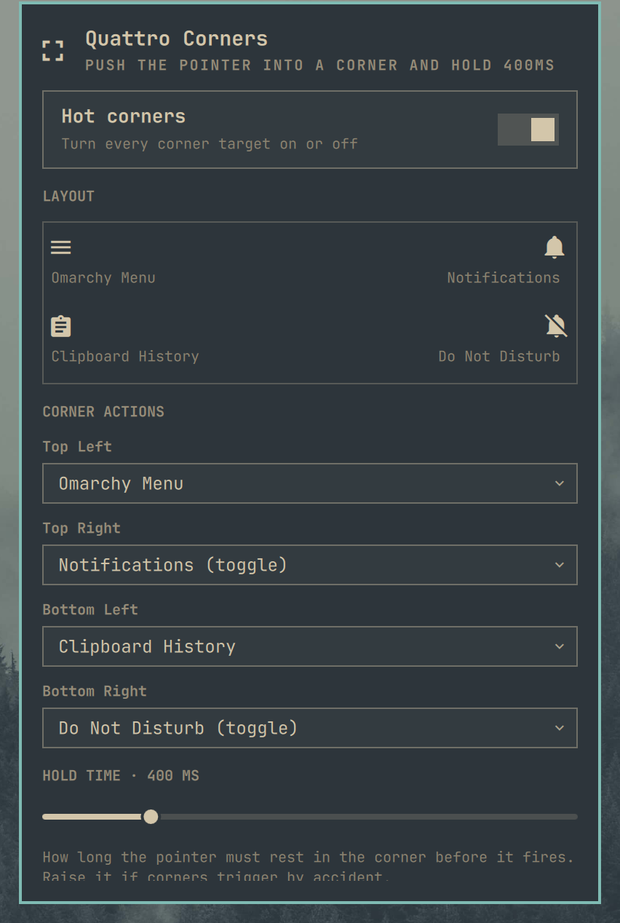
macOS-style hot corners for Omarchy, with per-corner actions, custom commands, and an adjustable hold time.
Quattro GP
by Gavin Nugent
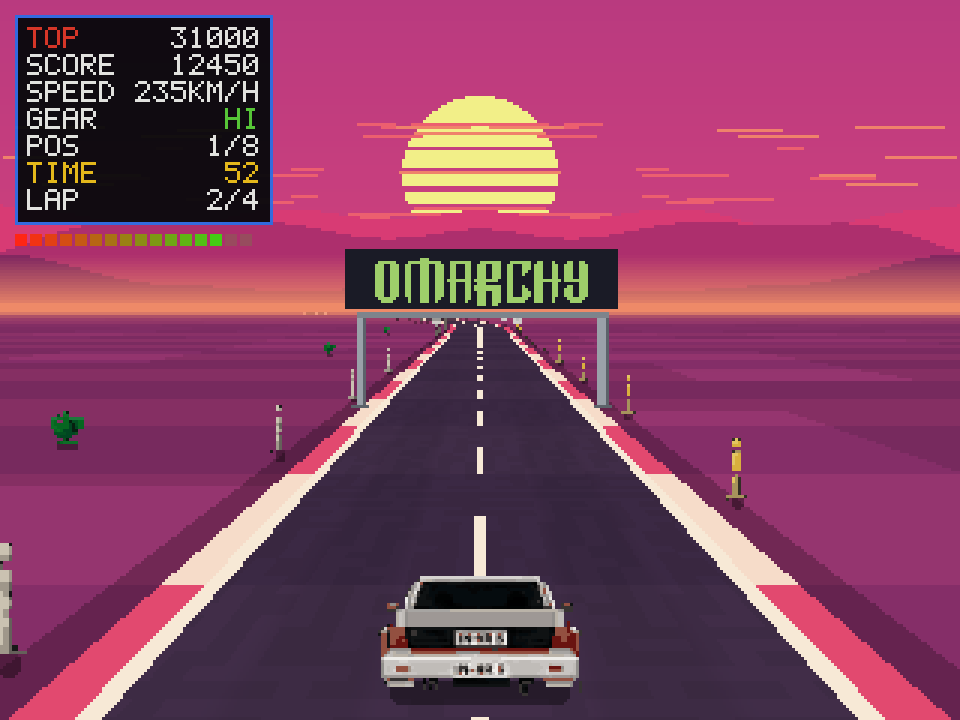
A 1982-style arcade racer for omarchy-shell. Pixel-art sprites over a GPU-shaded road, rendered at 320x240 and integer-scaled so the whole game sits on one pixel grid, in an arcade cabinet bezel. Four circuits, a qualifying lap, a standing start under lights, an eight-car field with live race positions, checkpoint time extends, and a five-deep ranking table per circuit with arcade initials entry, all surviving a shell restart. Summon with: omarchy-shell shell toggle nosignal.quattro-gp

QuattroWave
by Grok (xAI)
Cava audio visualizer for the Omarchy bar. One process, every monitor, live theme colors.
Quattroids
by Gavin Nugent
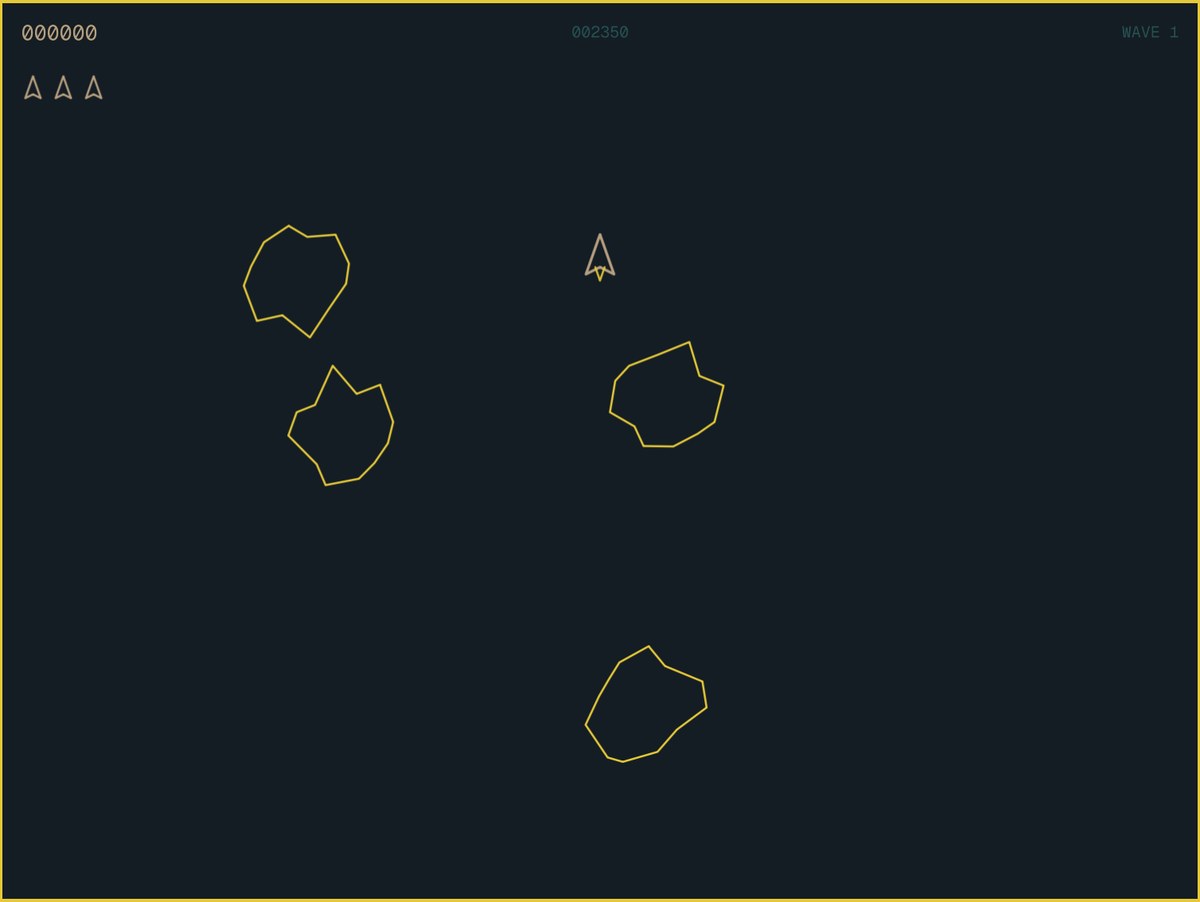
A vector-wireframe arcade shooter for omarchy-shell. Rocks that split, a saucer that aims, hyperspace that kills you one time in four, and a high score table with three-letter initials. Drawn in your live theme colours, so it recolours when your desktop does. Summon with: omarchy-shell shell toggle nosignal.quattroids
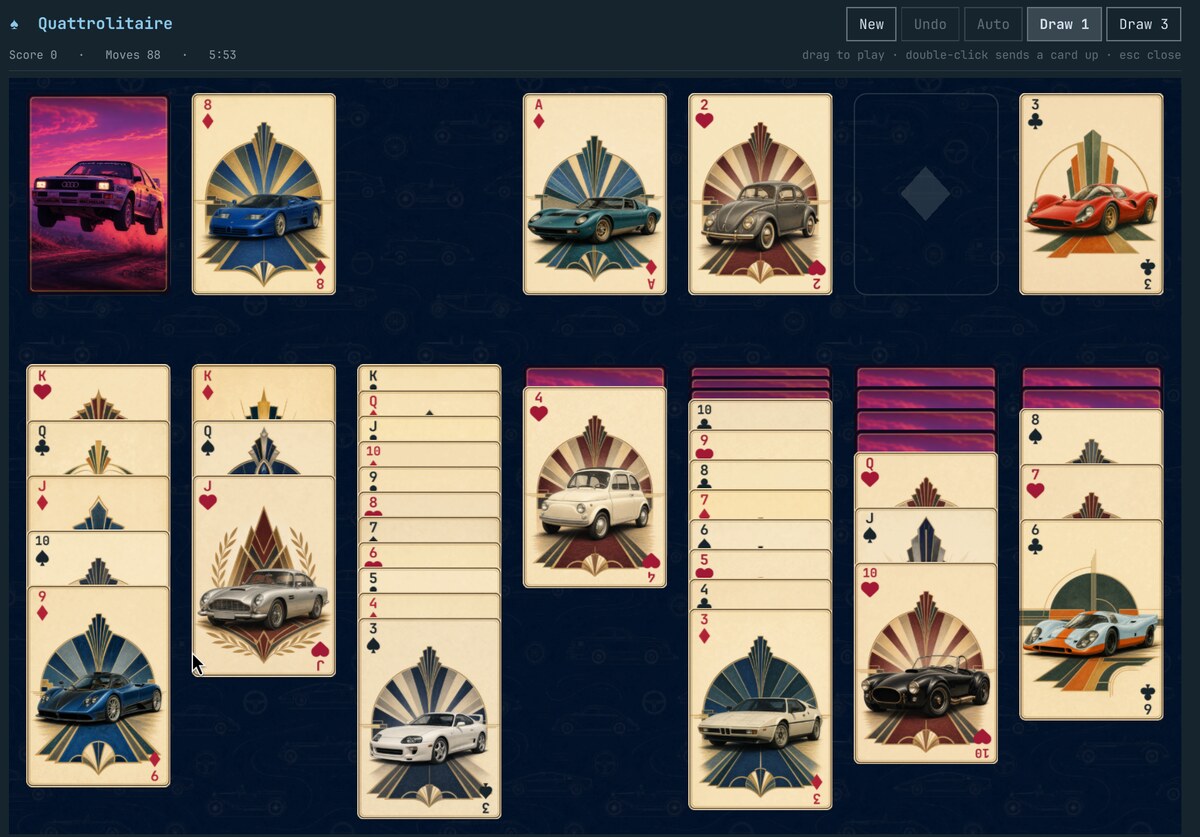
Quattrolitaire
by Gavin Nugent
Klondike solitaire for omarchy-shell. Drag-and-drop card table drawn entirely in QML, coloured from the active theme, with undo, autocomplete, scoring and a game that survives a shell restart. Summon with: omarchy-shell shell toggle nosignal.quattrolitaire
Quattrosched
by Marc
List and switch sched_ext CPU schedulers from the bar (backed by scxctl / scx_loader)
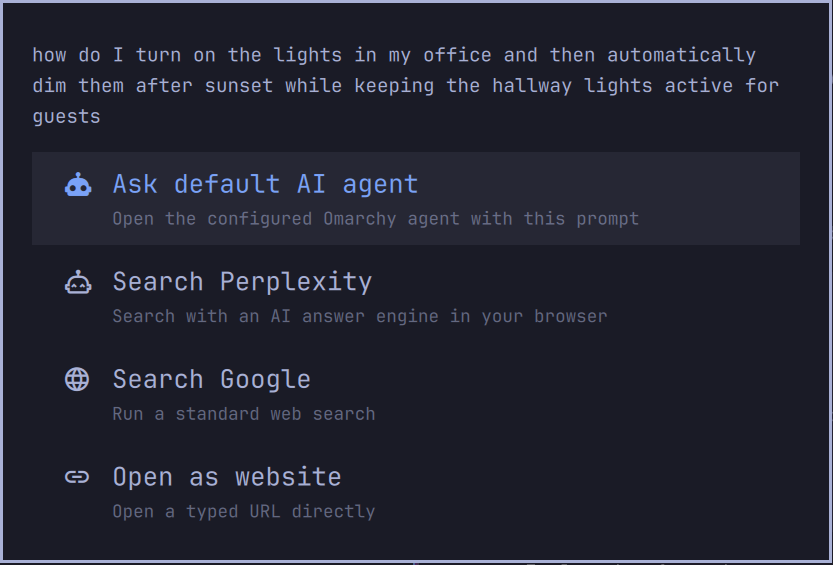
Query Menu
by cryptobredda
Turn the Omarchy launcher into a configurable AI, web search, and URL command palette.
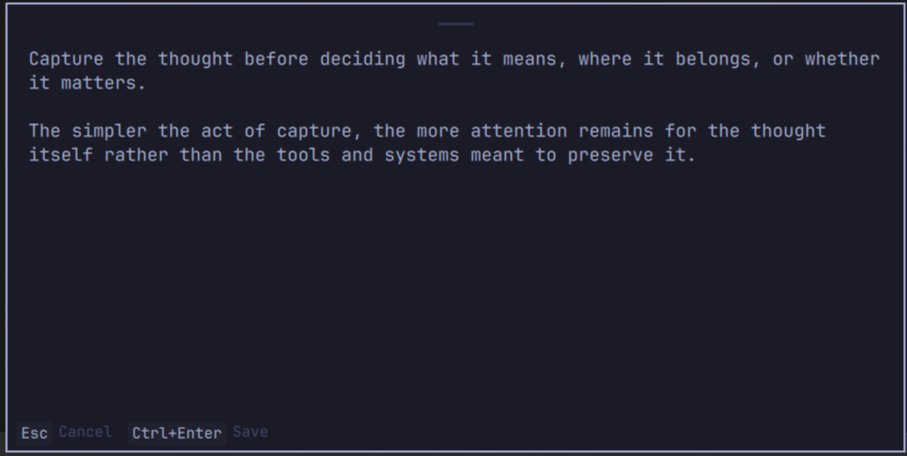
Quick Capture
by matt-aaz
A system-wide Markdown note capture panel for Omarchy.
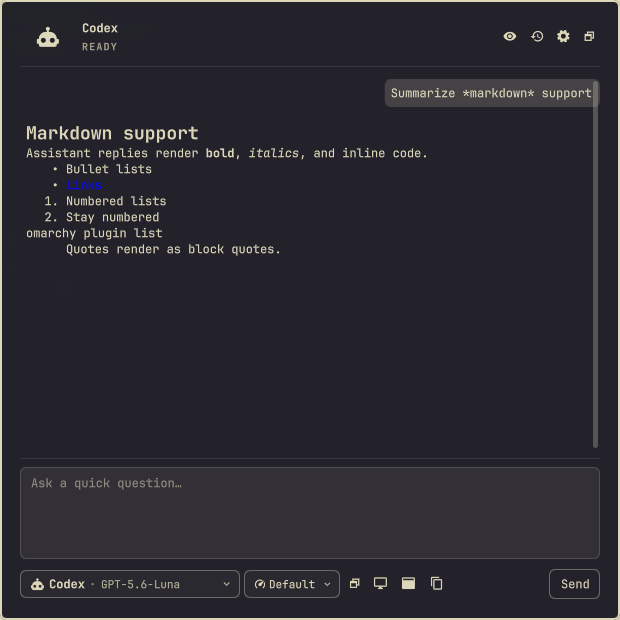
Quick Chat
by Göktuğ Vatandaş
Quick Q&A through locally installed agent CLIs

Quick Emoji
by Josh Ferrara
System-wide Slack-style emoji completion for Omarchy Quattro.
Quick Look
by André Conde
macOS-style file preview: select a file in Files, press Space, and see it rendered — images, PDF pages, media stills, code, markdown, folders and archives.