
Tag: hyprland
317 plugins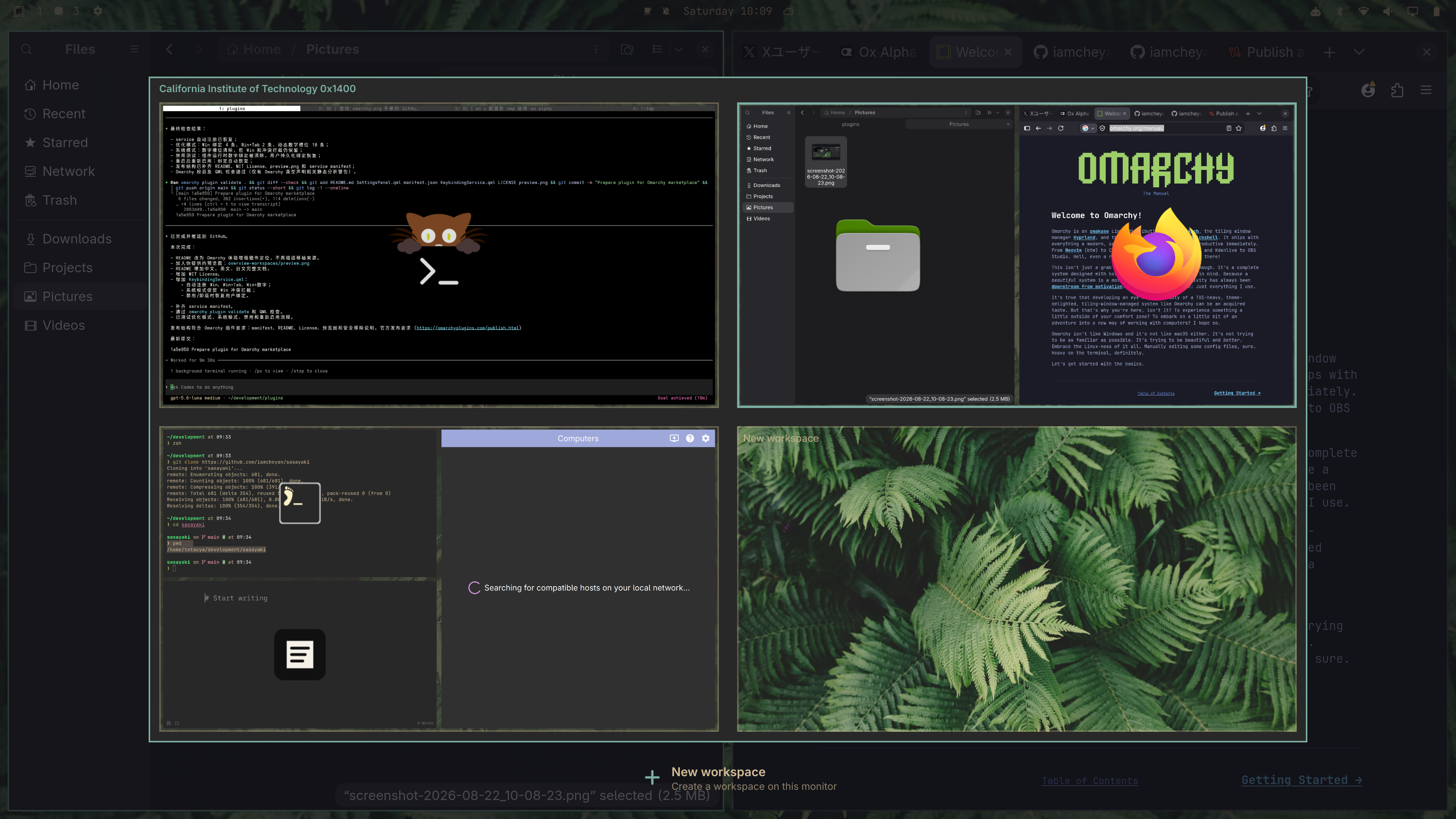
Overview Workspaces
by HANCORE
Omarchy workspace experience enhancement with live thumbnails, Windows-style MRU ordering, drag-and-drop, and automatic Win-key integration.
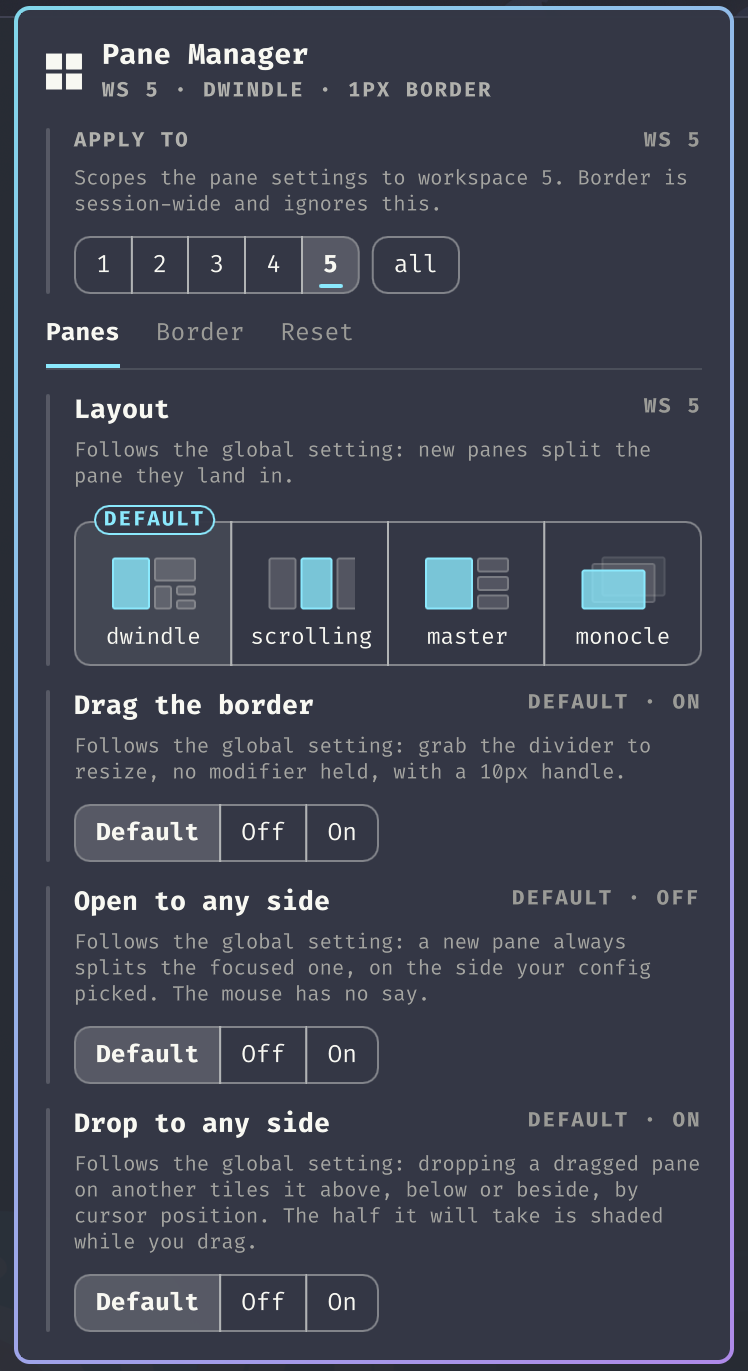
Pane Manager
by Sebastian Webber
Manage tiled panes from the bar: resize them by dragging the divider with your mouse, see where a dragged pane will land before you drop it, set the border thickness and corner style, and put a mangled layout back the way it was.
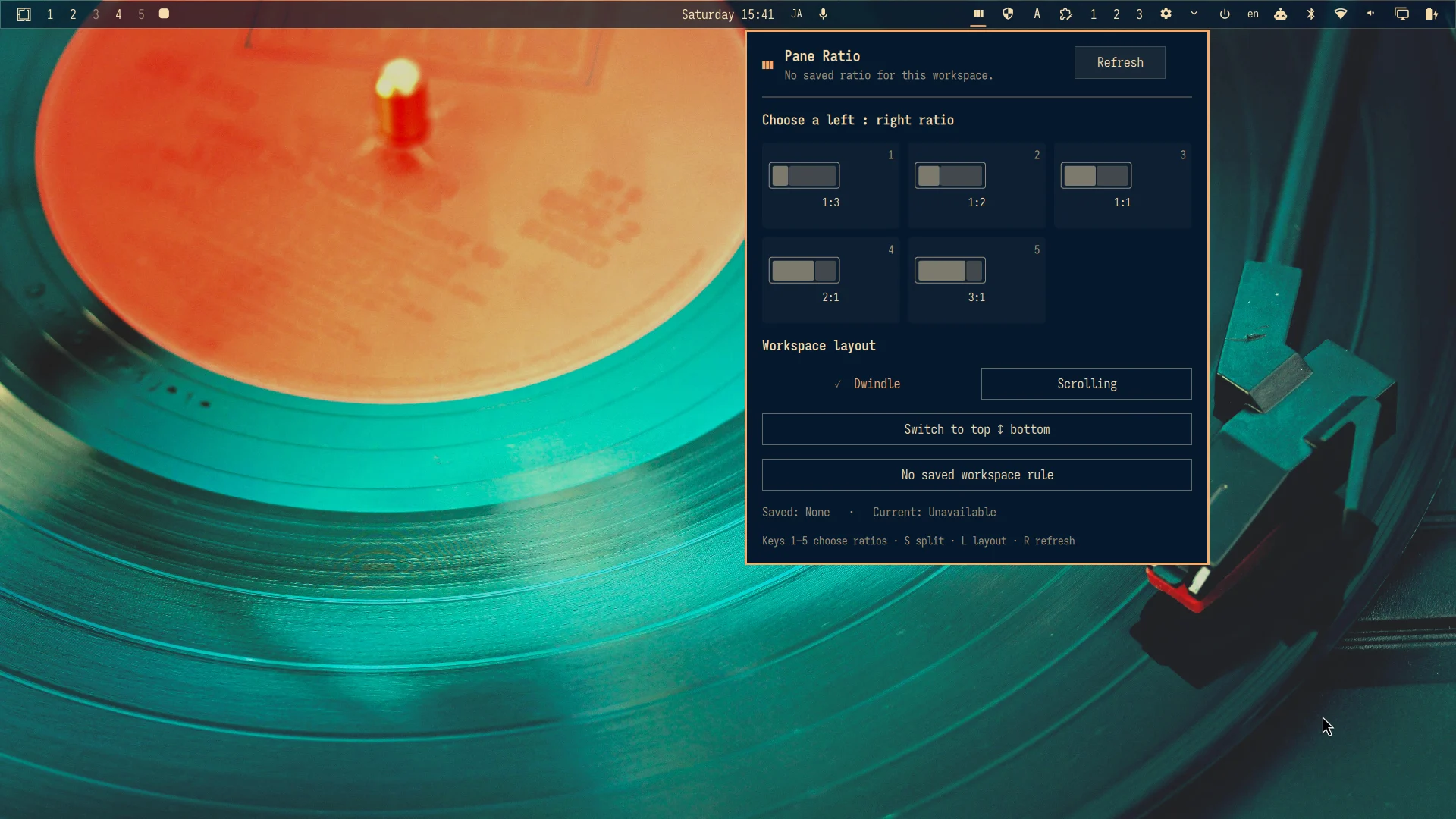
Pane Ratio
by r404r
Control workspace layouts, save ratios, and switch a safe two-pane split.
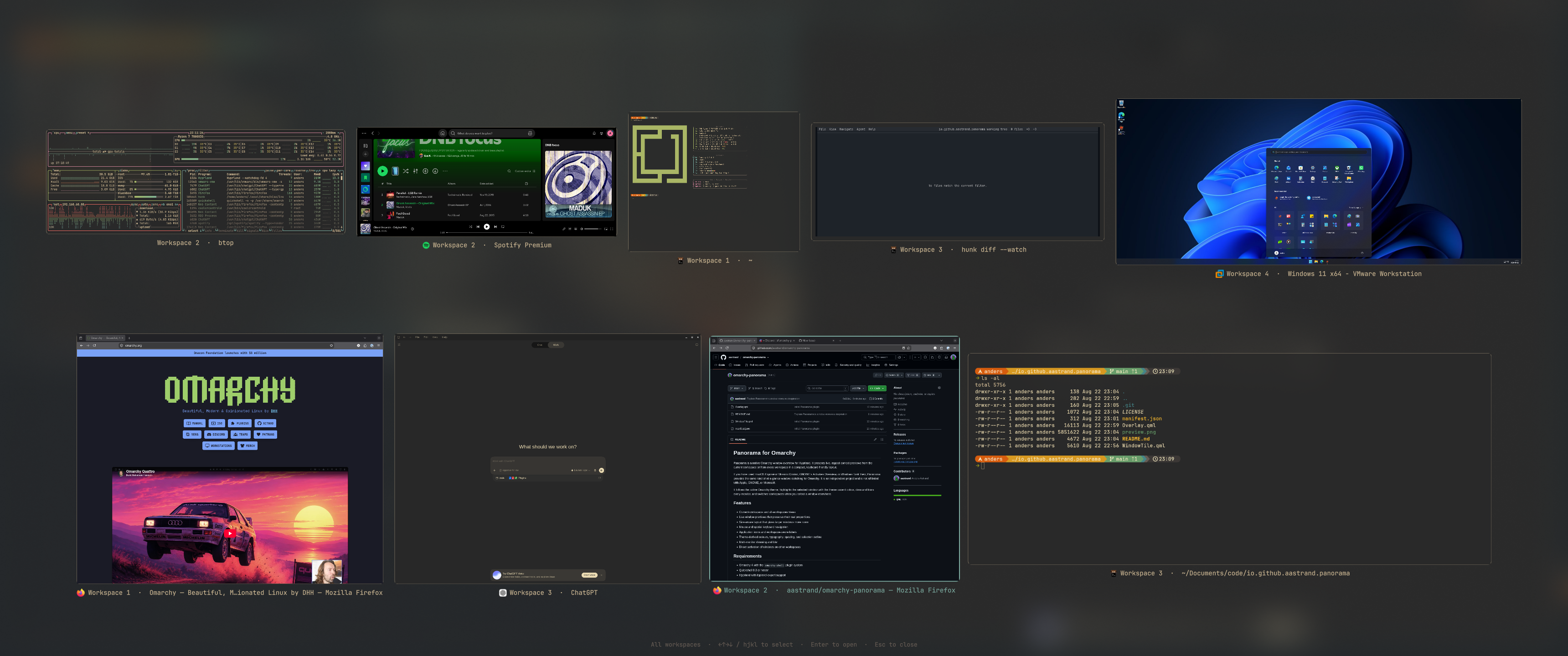
Panorama
by Anders Åstrand
An Exposé-style, theme-aware window overview for the current workspace or all workspaces.
PasteImage
by rocha
Paste screenshots into AI coding agents running in your terminal. Makes SUPER+V send Ctrl+V when a terminal is focused and the clipboard holds an image, so Claude Code and other TUIs can attach it.
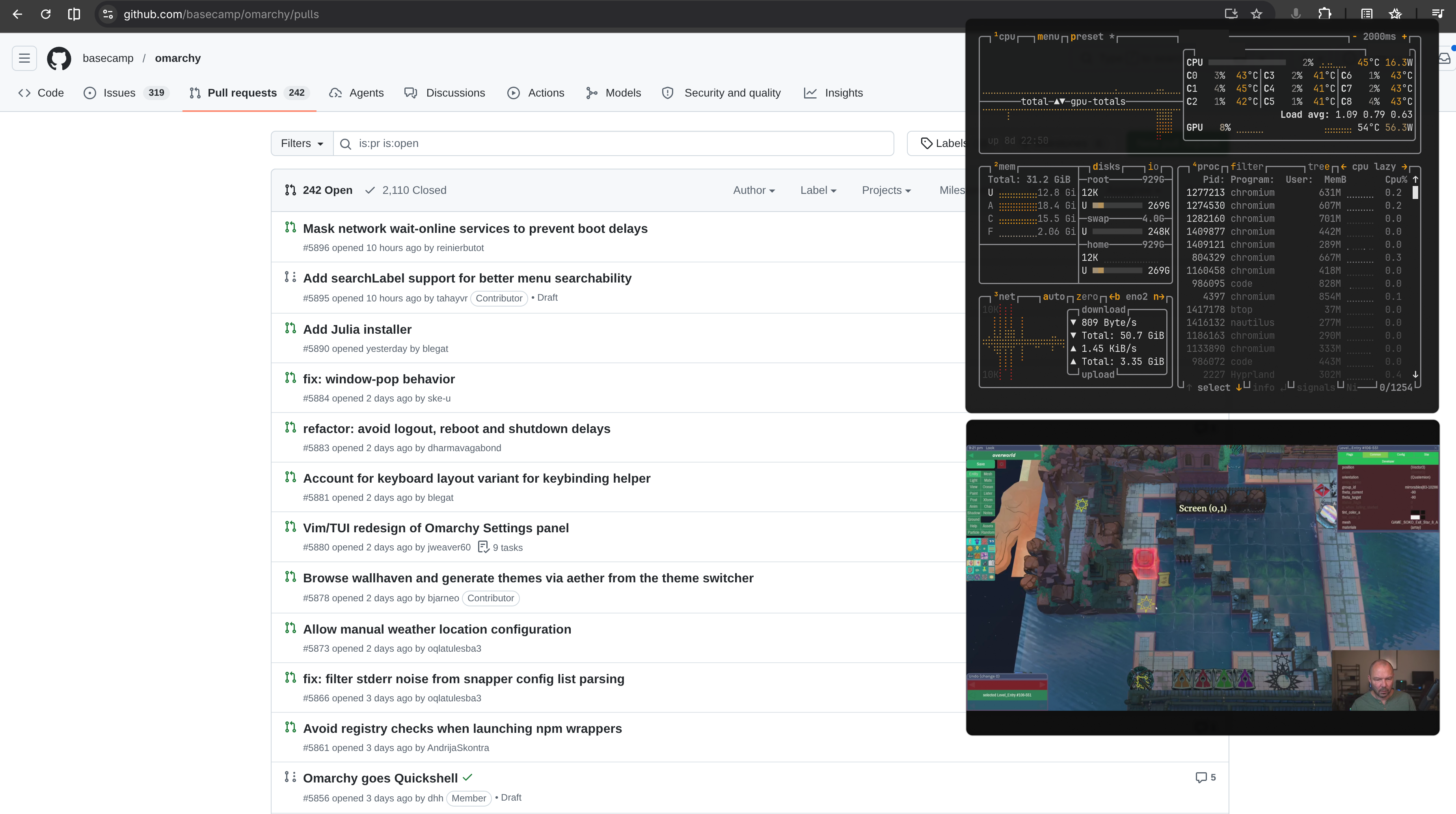
Peek
by Brian Blakely
Fades floating Hyprland windows to minimal opacity so you can see and interact with the content underneath
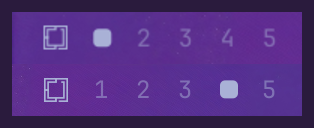
Per-monitor Workspaces
by Marcel Moosbrugger
Independent workspaces per monitor: SUPER+N always means this screen's Nth workspace
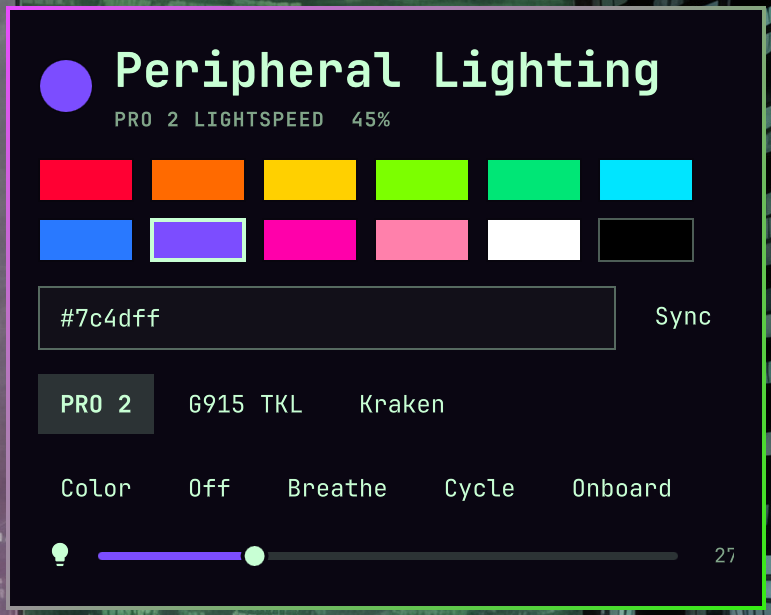
Peripheral Lighting
by sshbrian
Extensible peripheral lighting for Omarchy. Mouse LEDs, AIO LCDs, and community devices via lightctl.
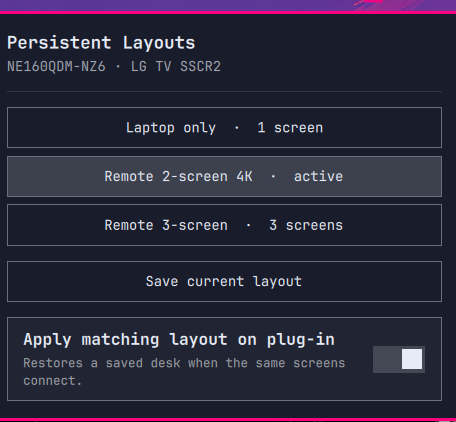
Persistent Layouts
by contra
Save named Hyprland desks and restore them when the same set of screens plugs in. Matches on the whole connected set, never on connector names.
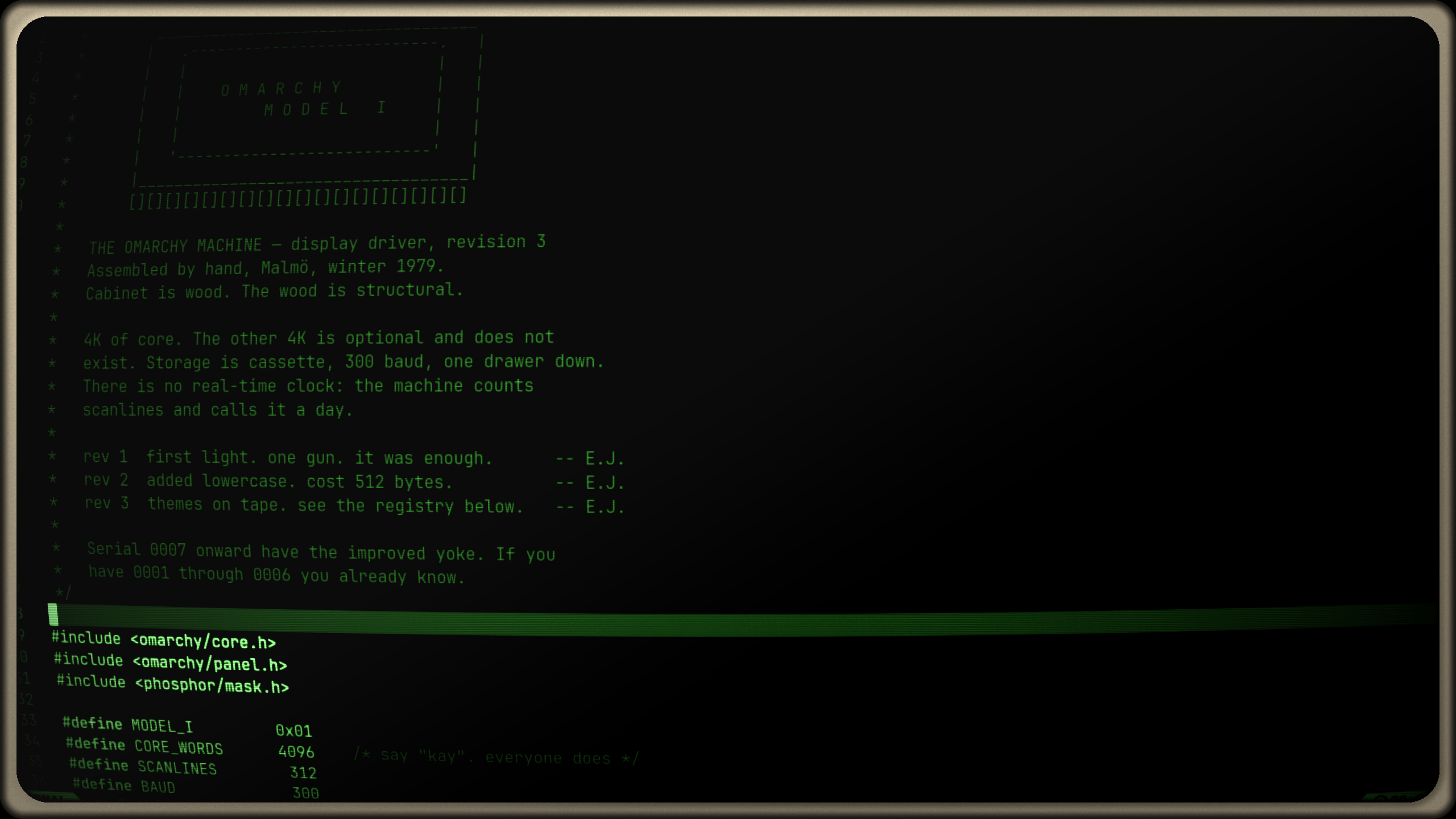
Phosphor
by ejuro
A virtual CRT for your desktop: scanlines, phosphor mask, bloom and a period bezel — independent of your theme.
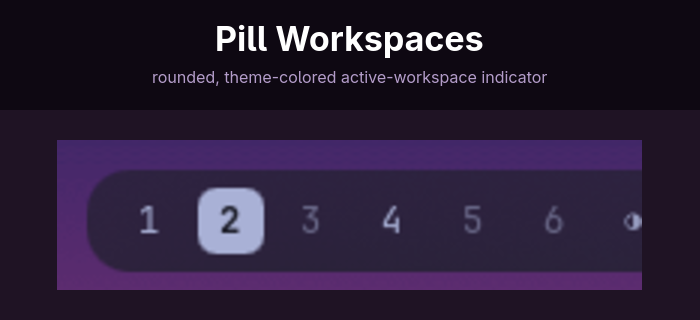
Pill Workspaces
by Charlieras262
Workspace indicators with a rounded pill for the active workspace
Pokey — Make them SEE it
by Pixeye
Own every screenshare. Replaces your cursor with one of Pokey's three hand + arm designs that track the pointer, tap with a knock on every click, and have a presentation mode where clicks only poke. Hides the real cursor with Hyprland's runtime cursor:invisible flag, so it returns automatically on next login. Toggle with SUPER+U, cycle the hand (Classic / Sleek / Bold) with SUPER+SHIFT+U, cycle the hand size (187/281/425px) with SUPER+CTRL+SHIFT+U, presentation with SUPER+CTRL+U.